

As businesses grow, managing operations becomes increasingly complex.
Finance teams manage transactions and invoices. HR teams manage employees and payroll. Sales teams manage customers and orders. Procurement teams work with suppliers. Warehouse teams monitor inventory. Management needs accurate reports from all of them.
When these functions operate through disconnected systems, spreadsheets, emails, and manual processes, information can become fragmented and difficult to manage.
This is where ERP software and solutions can make a significant difference.
An Enterprise Resource Planning system brings key business functions together within a connected technology environment, allowing organizations to manage operations, information, workflows, and resources from a centralized platform.
But modern ERP is more than simply putting different departments into one system.
A well-designed ERP solution can become the digital foundation of a business, connecting people, processes, data, and decision-making.
What Is ERP Software?
ERP stands for Enterprise Resource Planning.
ERP software is a centralized business management system that helps organizations manage multiple operational functions through an integrated platform.
Depending on the organization’s requirements, an ERP system can include:
- Finance and accounting
- Sales and CRM
- Purchasing
- Inventory management
- Human resources
- Payroll
- Project management
- Business reporting
- Customer management
- Vendor management
- Workflow automation
- Business analytics
Instead of maintaining separate systems for each department, businesses can connect their core operations through a common platform.
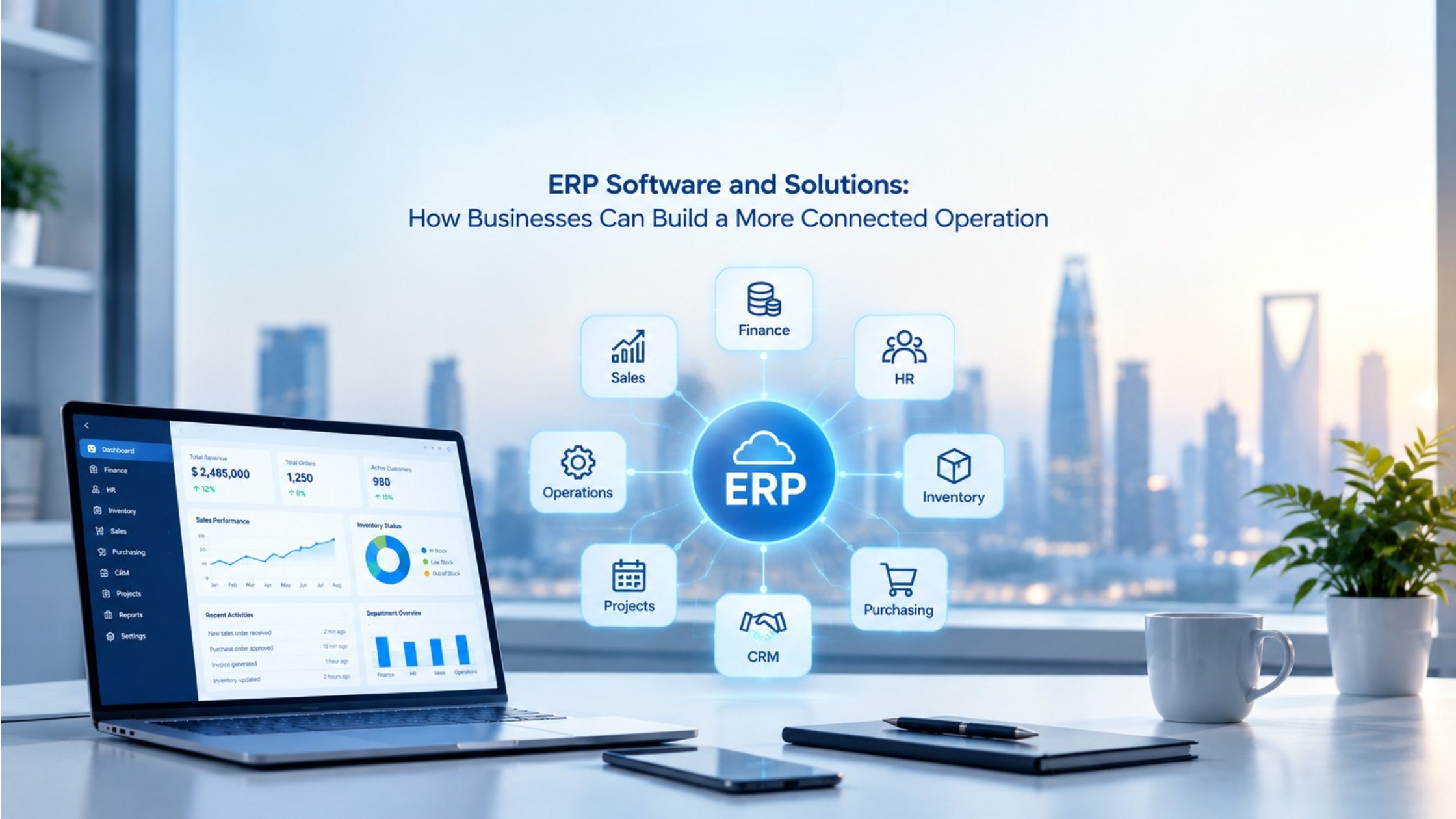
Daempro’s ERP solutions are designed to bring areas such as finance, HR, inventory, sales, CRM, purchasing, projects, and reporting together while supporting customization and third-party integrations.
Why Are Businesses Moving Toward Integrated ERP Solutions?
A business can function with multiple independent applications. The challenge appears when the organization begins to grow.
More employees mean more users. More branches mean more data. More customers mean more transactions. More products mean more inventory. More operations mean more processes to coordinate.
At this stage, disconnected systems can create operational complexity.
Common challenges include:
- Duplicate data entry
- Manual reporting
- Limited visibility
- Delayed information
- Difficult inventory tracking
- Disconnected customer data
- Complicated approval processes
- Spreadsheet dependency
- Limited management visibility
- Difficult system integration
ERP software addresses these challenges by creating a more connected operating environment.
1. Centralize Business Operations
One of the biggest advantages of ERP software is centralized management. Instead of storing business information across different applications, departments can work with connected data and processes. For example: Sales Order → Inventory → Purchase → Finance → Reporting. When these processes are connected, information can move through the organization with fewer manual handoffs. Management can also gain a clearer view of business activity.
2. Improve Financial Management
Financial information is at the center of every organization. An ERP system can help businesses manage invoices, expenses, payments, accounts payable, accounts receivable, transactions, tax information, and financial reports. Instead of collecting financial information manually from different departments, finance teams can work with information connected to broader business activities.
3. Gain Better Inventory Control
Inventory management becomes increasingly challenging as businesses add products, warehouses, branches, and sales channels. ERP software can help organizations track products, stock levels, purchases, sales, transfers, warehouses, low-stock levels, and inventory movements. For retail, distribution, manufacturing, and e-commerce businesses, this visibility can be particularly important.
4. Connect Sales and CRM
Sales teams need more than a list of customers. They need visibility into the entire customer journey. An ERP platform can connect: Leads → Customers → Quotations → Orders → Sales → Payments. This allows sales teams to manage customer information, follow-ups, quotations, sales pipelines, and orders from a connected environment.
5. Streamline Purchasing and Vendor Management
Procurement can become complicated when organizations work with multiple suppliers and purchase large volumes of products or services. ERP solutions can centralize vendor information, purchase requests, purchase orders, approvals, purchase history, and supplier-related reports. Connecting purchasing with inventory and finance can further reduce fragmented processes.
6. Manage Employees and Payroll
ERP solutions can connect HR processes with the wider organization. Depending on the implementation, businesses can manage employee records, attendance, leave, payroll, employee documents, performance, and HR reporting. A centralized HR environment can reduce administrative work while giving management better visibility into workforce information.
7. Automate Business Workflows
ERP software becomes even more valuable when it reduces repetitive manual processes. Organizations can automate approval requests, purchase approvals, notifications, task assignments, order processing, reports, alerts, and data updates. Automation allows employees to spend less time moving information between systems.
8. Create Real-Time Business Visibility
An integrated ERP platform can provide dashboards and reports covering sales, finance, inventory, employees, purchasing, customers, projects, and operational performance. The goal is simple: Turn business data into actionable information.
Custom ERP vs. Standard ERP
Not every organization has the same requirements. A standard ERP system can provide a strong foundation of predefined modules and workflows. However, some businesses have specialized processes that require additional customization.
Standard ERP can be suitable when:
- Your processes closely match the software’s standard workflows.
- You want faster implementation.
- Your requirements are relatively straightforward.
- You prefer established modules and functionality.
Custom ERP can be suitable when:
- Your workflows are highly specialized.
- You require industry-specific functionality.
- Multiple systems need to be integrated.
- You require customized dashboards and reports.
- Your business has unique approval processes.
- You need specific user roles and permissions.
The objective should not be to customize everything. The objective should be to create the right balance between standard functionality and business-specific requirements.
Daempro’s ERP offering supports custom workflows, role-based access, centralized databases, automated processes, dashboards, reporting, and third-party integrations.
ERP Integration: Connecting Your Technology Ecosystem
Modern businesses rarely operate with ERP alone. They may also use e-commerce platforms, POS systems, payment gateways, CRM platforms, accounting systems, logistics platforms, communication tools, APIs, and other specialized applications.
ERP integration allows these systems to exchange relevant information.
For example: E-commerce Order → ERP Sales Order → Inventory Update → Payment → Accounting
This type of connected workflow can reduce duplicate data entry and improve operational consistency.
How to Choose the Right ERP Solution
Choosing an ERP system should not start with a list of features. It should start with understanding the business.
What are our biggest operational challenges?
Identify the processes that consume the most time or create the most errors.
Which departments need to be connected?
Determine which teams need to share information and workflows.
What systems do we already use?
Existing software and integrations should be considered before selecting an ERP architecture.
What will the business look like in five years?
The ERP should support future growth rather than only solving today’s problems.
What level of customization is actually required?
Customization should serve a business purpose, not simply make the system different.
The ERP Implementation Process
Successful ERP implementation requires more than installing software. A structured process helps reduce risk and improve adoption.
01. Business Analysis
Understand departments, workflows, challenges, objectives, and operational requirements.
02. Requirement Planning
Define modules, features, user roles, integrations, and technical requirements.
03. Architecture & UI/UX
Design the system structure and user experience around business requirements.
04. Development & Configuration
Configure or develop the required modules, workflows, dashboards, and integrations.
05. Testing & Quality Assurance
Validate functionality, security, performance, data flow, and access controls.
06. Data Migration
Where required, migrate relevant information from existing systems into the new ERP.
07. Deployment & Training
Deploy the solution and help employees understand how to use the system effectively.
08. Support & Optimization
Continue improving the system as business requirements evolve.
ERP for Different Industries
ERP is not limited to one type of business. The architecture and modules can be adapted to different industries and operating models.
Manufacturing
Production, inventory, procurement, finance, and operational management.
Retail & E-commerce
Products, sales, inventory, customers, purchasing, and multi-channel operations.
Healthcare
Administrative, financial, operational, and resource management.
Education
Administration, finance, employee management, and institutional operations.
Hospitality
Operations, inventory, sales, finance, and customer-related processes.
Logistics & Transportation
Orders, inventory, fleet-related processes, vendors, and operational workflows.
Real Estate
Properties, customers, transactions, finance, and related operations.
Construction
Projects, procurement, resources, finance, and operational management.
The Future of ERP Software
ERP systems are evolving beyond traditional business management.
Modern ERP environments increasingly connect with cloud platforms, artificial intelligence, business analytics, automation, IoT, mobile applications, API ecosystems, and digital commerce.
This means the future ERP is not simply a database for business transactions. It can become a connected intelligence layer for the organization.
The businesses that gain the most value will be those that treat ERP as part of their broader digital strategy rather than as another software installation.
Final Thoughts
ERP software can help organizations move from disconnected processes toward a more integrated way of managing their business.
The right ERP solution can connect departments, automate workflows, improve data visibility, strengthen operational control, and give management better information for decision-making.
But the best ERP solution is not necessarily the one with the most features.
It is the one that understands the business, solves the right problems, integrates with the existing technology environment, and can grow with the organization.
For businesses evaluating ERP software and solutions, the most important question is therefore not:
“Which ERP has the most features?”
It is:
“Which ERP can create the greatest value for our business?”
Ready to Build a More Connected Business?
From custom ERP development and business automation to system integration and ongoing optimization, Daempro helps businesses build ERP solutions around their operational requirements and long-term goals.
Let’s discuss your ERP requirements.